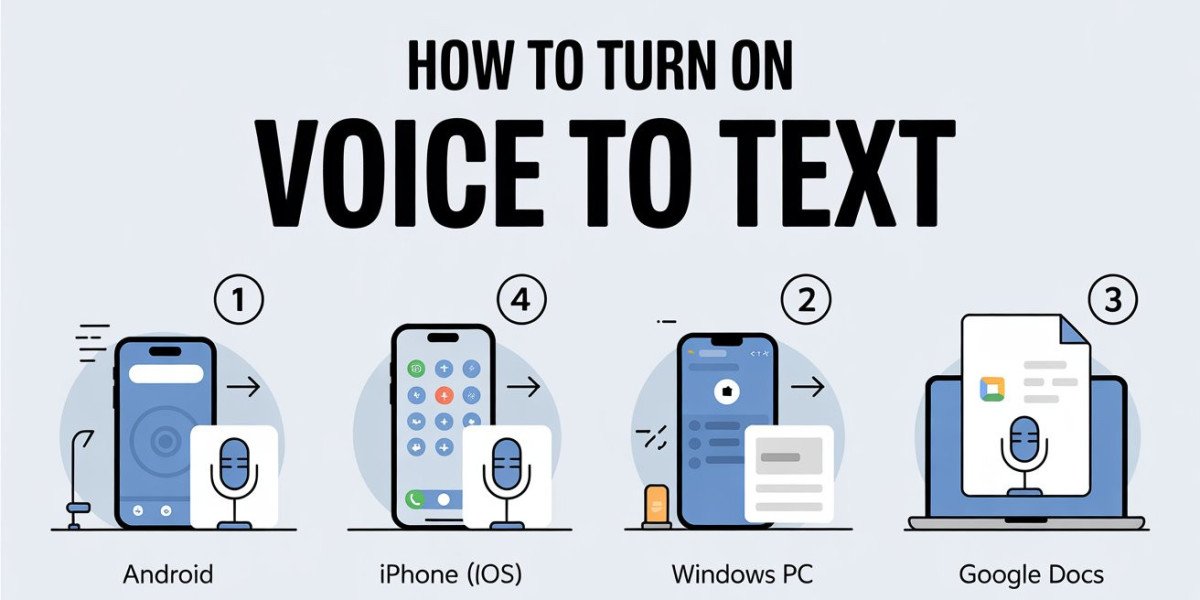

Voice to Text on iPhone (also called Dictation) is a built-in feature that converts your spoken words into written text in real time. It helps users type faster without using the keyboard and is especially useful for messages, notes, emails, and searches.
What Is Voice to Text on iPhone?
Voice to Text is Apple’s speech to text technology available on iPhones. Using your device’s microphone, it listens to your voice and instantly turns speech into text on the screen. The feature is powered by Apple’s advanced language processing and works across many apps like Messages, Notes, Mail, and Safari.
It supports multiple languages, understands punctuation commands, and adapts to your speaking style over time.
How Does Voice to Text on iPhone Work?
The process happens in a few simple steps:
Voice Input
When you tap the microphone icon on the keyboard, the iPhone starts listening to your voice.Audio Processing
Your speech is captured and analyzed using Apple’s speech recognition system, either on-device or via secure servers.Speech Recognition
The system breaks your speech into words, understands context, and identifies accents and pauses.Text Conversion
The recognized words are instantly converted into readable text and displayed where you’re typing.Smart Learning
Over time, iOS improves accuracy by learning commonly used words, names, and phrases.
Key Features of iPhone Voice to Text
Hands-free typing for faster input
Automatic punctuation (in supported languages)
Multiple language support
Works offline on newer iOS versions
High accuracy with natural speech
Why Use Voice to Text on iPhone?
Voice to Text saves time, reduces typing effort, and improves productivity. It’s ideal for quick replies, long notes, accessibility needs, and multitasking situations.